Prior Extinction Controls Guide
PC keybinds and mobile circular menu actions for survival, Wellbeing, and combat in the Recode alpha.
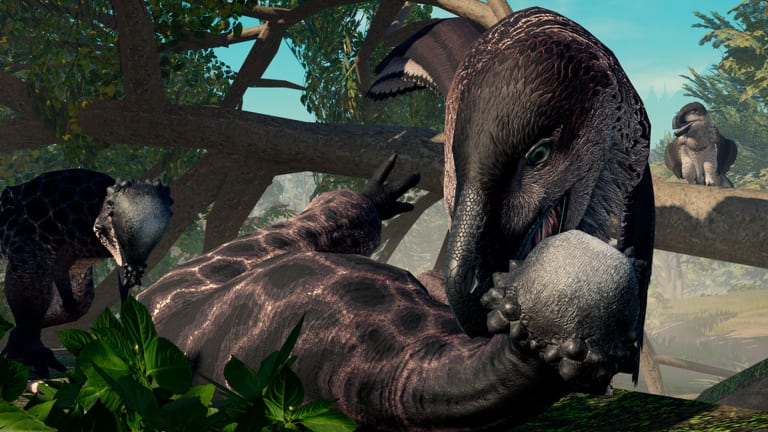
Good keybinds will not grant Amber by themselves, but bad keybinds will get you killed while a corpse prompt is on screen. This controls guide lists the practical Prior Extinction PC defaults players rely on, explains rest versus sleep, covers Wellbeing and menu cursor behavior, and translates the same actions to mobile’s on-screen circular menu.
You can review or rebind controls from in-game menus by opening a menu and selecting the Controls text entry. On PC, click a bind then press a new key if you need custom layouts.
PC movement and stance
- WASD: move
- Space: jump
- X: trot
- C: crouch
- B: burrow (when available to the species)
- F: senses
Trot is the underrated traveler’s bind—use it to cover ground without the stamina panic of constant sprint culture. Crouch supports ambush lines described in combat. Senses prevent walking into stacked predators, especially near nests and water.
Survival interacts
- E: eat / drink
- R: rest
- Z: sleep
- T: clean
Eat and drink only work when the game offers a valid interactable—face the water, plant, or carcass correctly. Rest recovers stamina and health at a solid rate. Sleep requires you to already be resting; it recovers faster and is the method called out for restoring Energy Wellbeing. Players who mash Z without resting first think sleep is broken. Sequence it: R, then Z when safe.
Cleanliness via T feeds the mitigation side of Wellbeing. Use it after messy fights or when the Cleanliness icon brightens.
Combat clicks and calls
- Left mouse button: attack
- Right mouse button: alternate attack
- Middle mouse button: special
- 1: aggressive roar
- 2: friendly roar
- 3: broadcast roar
Specials define niches after Recode—practice them in safe biomes before nest defense. Roars coordinate packs and also reveal your position; pick friendly or broadcast when organizing Social Wellbeing, and save aggressive calls for intentional presence.
Menus, Wellbeing, and free cursor
- M: menu
- N: Wellbeing window
- Alt (hold): free cursor without necessarily relying on a full menu
Both Menu and Wellbeing free the cursor while open, which is convenient for reading quest details. Alt free cursor is the quick tool when you only need a click. New players should open N early every life; icon brightness literacy is covered in the Wellbeing guide and reinforced in getting started.
Mobile circular menu
Mobile replaces many keybinds with an on-screen circular menu. Press and hold the appropriate wheel control to select actions such as aggressive/friendly/broadcast roars, clean, and other contextual abilities. Movement uses the virtual joystick paradigm Roblox players expect, with dedicated buttons for senses, Wellbeing, and menu when shown.
Because the wheel hides actions behind hold-and-select, practice in a low-threat biome from the biomes map until muscle memory finds Clean and Sleep without staring at labels. Mobile fighters should especially rehearse special selection before contesting hotspots described in the combat guide.
Suggested beginner rebinds (optional)
Only rebind if defaults fight your hand. Common comfort changes include moving burrow or senses closer to WASD for clawed keyboard users, or shifting roars if you never use broadcast. Do not rebind eat/drink away from an easy key—missed E prompts are silent Amber losses through Nutrition neglect.
Controls as economy and growth tools
Every recovery bind is an economy bind. Sleeping to fix Energy raises growth and Amber multipliers. Eating on time prevents the empty-Wellbeing spiral toward -50% rates. Resting before a nest escort keeps you from face-tanking a gank at zero stamina. When you optimize how to get Amber, you are partly optimizing how often you correctly hit R, Z, E, and N.
Practice drills
- Spawn and open Controls menu once to confirm your patch’s labels.
- Find water, press E to drink, then find food and eat.
- Rest with R, sleep with Z, confirm Energy improves.
- Toggle N, identify one bright icon, fix it, watch transparency return.
- Crouch, senses, and middle-click special on empty air.
- On mobile, open the circular menu and select each roar once.
Accessibility and session comfort
Long alpha sessions punish cramped hands. If Alt free cursor or roar keys strain you, rebind early rather than developing avoidance habits that skip Social calls or Wellbeing checks. Keep UI scale readable so Boost percentages in the Wellbeing window remain usable mid-fight prep.
Controls mastery is quiet power. Know the difference between rest and sleep, keep N in your muscle memory, and make the mobile wheel boring through practice so combat and nesting decisions get your attention instead.
Frequently Asked Questions
Quick answers about Prior Extinction on Roblox.
How do I sleep in Prior Extinction?
Rest first with R, then sleep with Z. Sleeping while already resting restores Energy Wellbeing and recovers stamina and health faster than rest alone.
What key opens Wellbeing?
N opens the Wellbeing window on PC. Mobile uses the on-screen Wellbeing control tied to the circular menu flow.
How do I free my cursor quickly?
Hold Alt for free cursor, or open Menu (M) / Wellbeing (N), which also free the cursor while active.
What does middle mouse do?
Middle click activates your dinosaur’s special ability. Left and right clicks are the standard attack pair.
Can I rebind keys?
Yes. Open a menu, select Controls, click a bind, and press a new key on PC to change it.
How do mobile roars work?
Use the on-screen circular menu: press and hold the right-side wheel style control and select aggressive, friendly, or broadcast roar options.